Critical fields — never edit these on Shopify products
Which fields on Everspring-imported Shopify products must stay untouched — editing them breaks the sync.
Written By Bas den Hoed
Products keep reappearing in your store after you delete them? That's the catalog sync, not these anchor fields — read Catalog and import list first. This article is about which fields must stay untouched on products you do want to keep.
Why this matters
Everspring identifies its products in Shopify by a set of anchor fields. If you edit those fields manually, the sync loses the link — stock stops updating, orders stop routing to the right supplier, and in the worst case the product gets re-imported as a duplicate. This article lists exactly which fields you must leave alone, and which you're free to edit.
Never edit
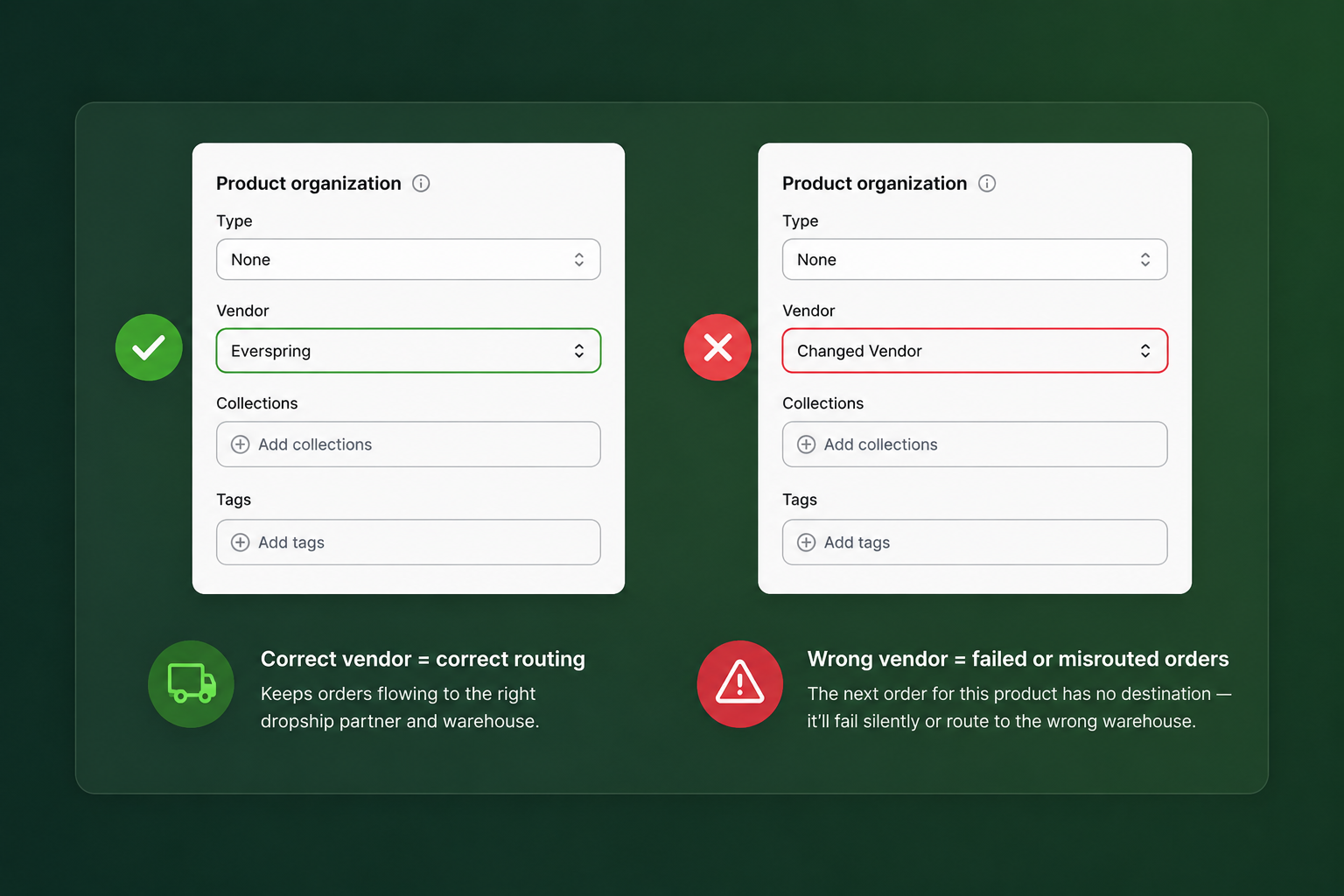
Vendor
The Vendor field identifies the supplier behind the product. Everspring uses it to route orders to the correct dropship partner. Change the vendor name and the next order for that product has no destination — it'll fail silently or route to the wrong warehouse.
If you want to rename how the supplier is displayed to customers: hide the Vendor field via your theme (Shopify → Online Store → Themes → Edit code) instead of changing its value.
SKU
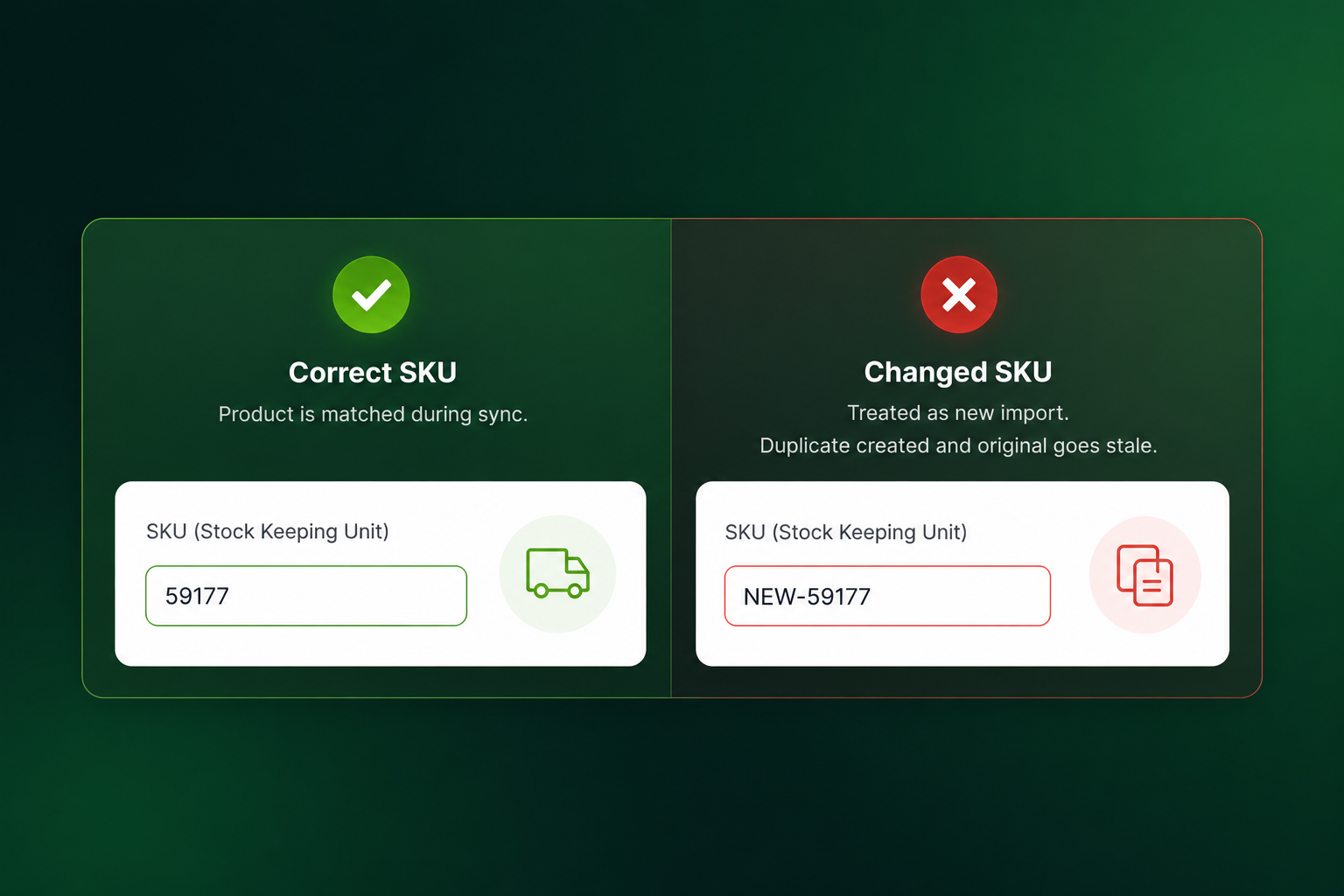
SKUs are the primary re-sync key. During every sync, Everspring matches products by SKU. Changing a SKU means the next sync treats the product as a new import and creates a duplicate — and your original product goes stale.
Tags starting with EVR-
Tags like EVR-import, EVR-supplier-xyz, and EVR-category-zz are how Everspring scopes bulk operations (stock refresh, price updates, deletions). Remove them and the product drops out of those operations — it'll look fine until stock runs out and never refills.
You can add your own tags next to the EVR tags. Just don't delete or rename the EVR-prefixed ones.
Variant metafields in the everspring namespace
In the variant editor, any metafield under the namespace everspring (e.g. everspring.supplier_variant_id, everspring.lead_time_days) is internal. Editing breaks order routing for that specific variant.
Safe to edit
These fields are yours to shape however your store needs them:
Title, description, handle — rewrite freely. Everspring won't overwrite titles or copy after the initial import unless you explicitly re-sync from our dashboard.
Images — add, remove, reorder. We push the supplier's images on first import but won't touch them again.
Price and compare-at price — editable. Everspring's automatic price-sync is opt-in per supplier.
Collections — add products to any collection you like.
SEO fields, product type, status (active/draft) — all editable.
Non-EVR tags — add whatever tagging you use for merchandising.
If you've already edited a critical field
Do not re-sync yet — it may create a duplicate.
Open a support ticket with the affected product IDs and what you changed.
We'll reconcile the mapping on our side before your next sync runs.